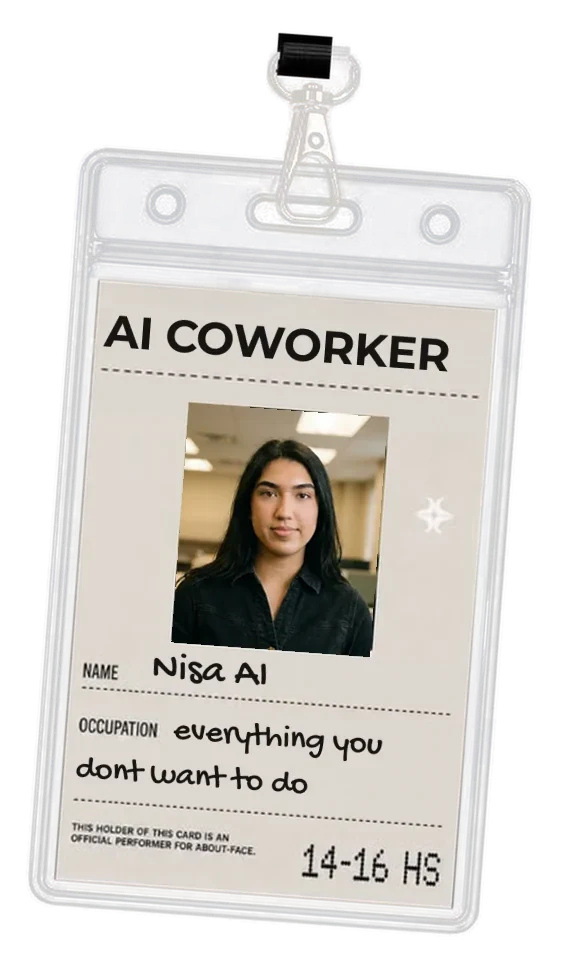
Nisa AI on WhatsApp
An AI co-worker you text on WhatsApp.
Nisa does the work in the chat you already have open. For small teams, founders and freelancers who will not learn another tool.
Text Nisa on WhatsAppFree to start. Nothing goes out without your yes.
What she does on WhatsApp
Ask her anything
Write to her the way you would write to a colleague. Voice messages work too.
Approve with a tap
When she drafts something that would leave your account, it stops at a card. On WhatsApp you decide with a button.
Get files in the chat
A CSV or a document she makes for you arrives right there in WhatsApp.
Keep one Nisa everywhere
It is the same Nisa on the same account in Slack, WhatsApp and iMessage. The tools you connected and what she knows come with you.
The one limit
WhatsApp only lets Nisa start a conversation within 24 hours of your last message to her. Outside that window she reaches you in Slack instead, if you use it. Reply to her and the window opens again.
Questions
How do I start?
Tap the button on this page. WhatsApp opens with a first message typed in. Send it and Nisa answers.
Do I need an account first?
No. Send the first message and Nisa answers with a link. Tap it and your number is connected to your account.
Does she send anything without asking me?
No. Outgoing messages stop at a card with the full text, and you approve or edit them first.
Is WhatsApp the only way?
No. Nisa also works in Slack and iMessage, and on the web.